Do you want to create a beautiful digital sign for your school papers or emails very fast? Many times you need a good signature generator because drawing a perfect signature with a computer mouse or finding a cool stylish text font takes a lot of time and looks very bad. If you are searching for an online signature generator or the best free electronic signature tool, you are at the very correct website page today.
Our free signature generator tool helps every simple student, office worker, and email sender to create their own custom digital signatures instantly without any brain pain. You can choose to type your name in stylish fonts or draw with your finger, and this smart tool gives you a clean PNG picture file immediately. It is the most beautiful signature generator online for people who want to sign digital documents easily.
What is a Digital Signature
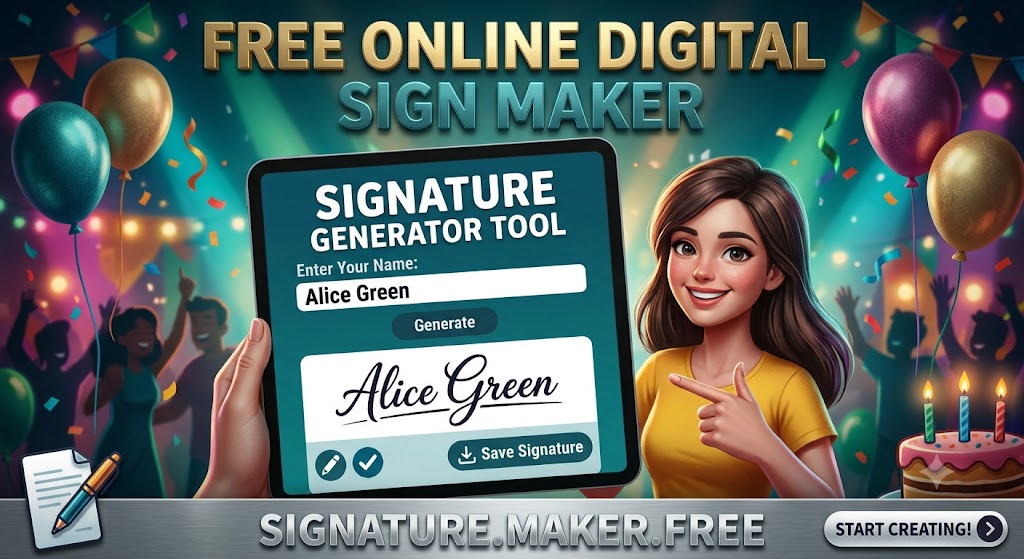
A signature is a special design of your name that you write with a pen to prove that a paper belongs to you. But nowadays, everything is shifting inside computers and mobile phones. You get school certificates, office letters, and admission forms as digital files. You cannot use a real ink pen on a phone screen! That is why you need a Digital Signature.
It is a clean image file of your signature with a transparent background. You can easily paste this image onto any PDF file, email, or website form. A signature generator tool helps you create this digital name art in two easy ways: either you type your name and the tool turns it into beautiful handwriting styles, or it gives you a clean pad where you can draw your signature freely.
How to Use Signature Generator Tool
Using our friendly signature maker tool on trial.toolspoints.online/ is simpler than drawing a smiley face on paper. Our tool gives you two easy options on the screen. Just follow these steps:
Option 1: Type Your Signature
- Step 1: Look at the text box that says Type Your Name. Enter your full name there (For example: Rahul Sharma).
- Step 2: Choose your favorite color from the color box and adjust the font size slider if you want it big or small.
- Step 3: Look below! The tool will instantly show your name in many beautiful, stylish cursive handwritings.
- Step 4: Select the best style you love and click the Download Signature button to save it as a clean photo.
Option 2: Draw Your Signature
- Step 1: Look at the big clean white square box that looks like a drawing pad.
- Step 2: Use your mouse pointer (on a laptop) or use your finger (on a mobile phone) to draw your signature inside the box just like a real pen.
- Step 3: If you make a mistake, do not worry! Click the Clear button to wipe it out and draw again.
- Step 4: Once you make a perfect sign, click the Download PNG button to save it into your phone gallery.
Why Choose ToolsPoints Signature Generator?
There are some complex drawing tools on the big internet, but our ToolsPoints Signature Generator is the most comfortable one. Here are the top reasons why everyone loves our tool:
- Super Speed: You do not need to wait for any heavy software to load. It runs fast and smooth on any cheap internet connection.
- Transparent Background: When you download your sign, it does not have a messy white background. It is a clean PNG, so you can paste it on any blue, white, or grey document perfectly.
- Many Cool Font Options: If your real handwriting is bad, our tool gives you many expert cursive styles that make your name look like a big boss signature.
- Completely Free: No fees, no premium subscription locks, and no watermarks on your downloaded pictures. It is 100% free for all human beings.
- Total Privacy Safety: We care about your identity security. We do not save your drawings or typed names on our website servers. Everything happens safely inside your own device screen.
Real Life Example of Signature Generator
Let us hear a real-life story to see how this tool saves a boy from a big running problem.
There is a college student named Vicky. He got selected for a big summer internship online. The company sent him a digital selection letter and said, “Please sign this digital paper and send it back to us via email before 5:00 PM today, otherwise we will cancel your seat!”
Vicky does not have a printing machine at his home. He thinks, “First I have to go to a market shop, take a printout on paper, sign it with a pen, then scan it with a phone camera, and then email it.” This long task will take 2 hours and he has only 15 minutes left! He gets totally nervous and panicked.
He opens his mobile phone, goes to trial.toolspoints.online/, and opens the Signature Generator Tool. He chooses the “Draw” option. With his thumb finger, he beautifully draws his signature on the screen pad. He clicks Download PNG. Instantly, a crystal-clear transparent signature image saves into his phone photos. He opens his PDF editing app, places his signature photo on the letter line, and emails it back in just 4 minutes! The company accepts it immediately, and Vicky gets his dream internship happily.
Frequently Asked Questions (FAQ)
1. What file format does this tool give after download?
Our tool gives you the signature image in PNG format with a transparent background. This is the best format because you can paste it on any digital document without any awkward white background box.
2. Can I use this digital signature for official documents?
Yes, you can use it for school forms, office letters, emails, and digital contracts. However, for highly secure government documents like a passport or bank checks, you should always follow their official physical ink rules.
3. What should I do if my drawing goes wrong?
There is a handy Clear or Reset button right below the drawing pad area. Just click it once, and the whole box will become clean white again so you can practice your signature multiple times.
4. Can I change the color of my typed signature text?
Yes, absolutely! Our tool has a color picker setting. You can choose classic professional colors like dark black and blue, or fun colors like red and green according to your requirement.
5. Does this tool store my personal signature data?
No, never! Your security is our highest promise. The signature code runs locally inside your web browser. Once you close the website tab, your drawn or typed name disappears forever from the system.
Conclusion
Creating a digital signature should not be a hard technical task that requires complex photo editing software like Photoshop. With the ToolsPoints Signature Generator Tool, making a stylish typed name or a clean hand-drawn electronic sign becomes an easy, joyful activity. It saves you from wasting paper prints, protects you from missing tight form deadlines, and makes your online documents look highly professional. Stop scanning paper signs like old days! Save this tool page link right now and create beautiful digital signatures whenever you need them.